

Rust Update: What’s changing with workbenches and blueprints
Here’s how the new blueprints and the changes to the tech tree will affect your next Rust wipe.
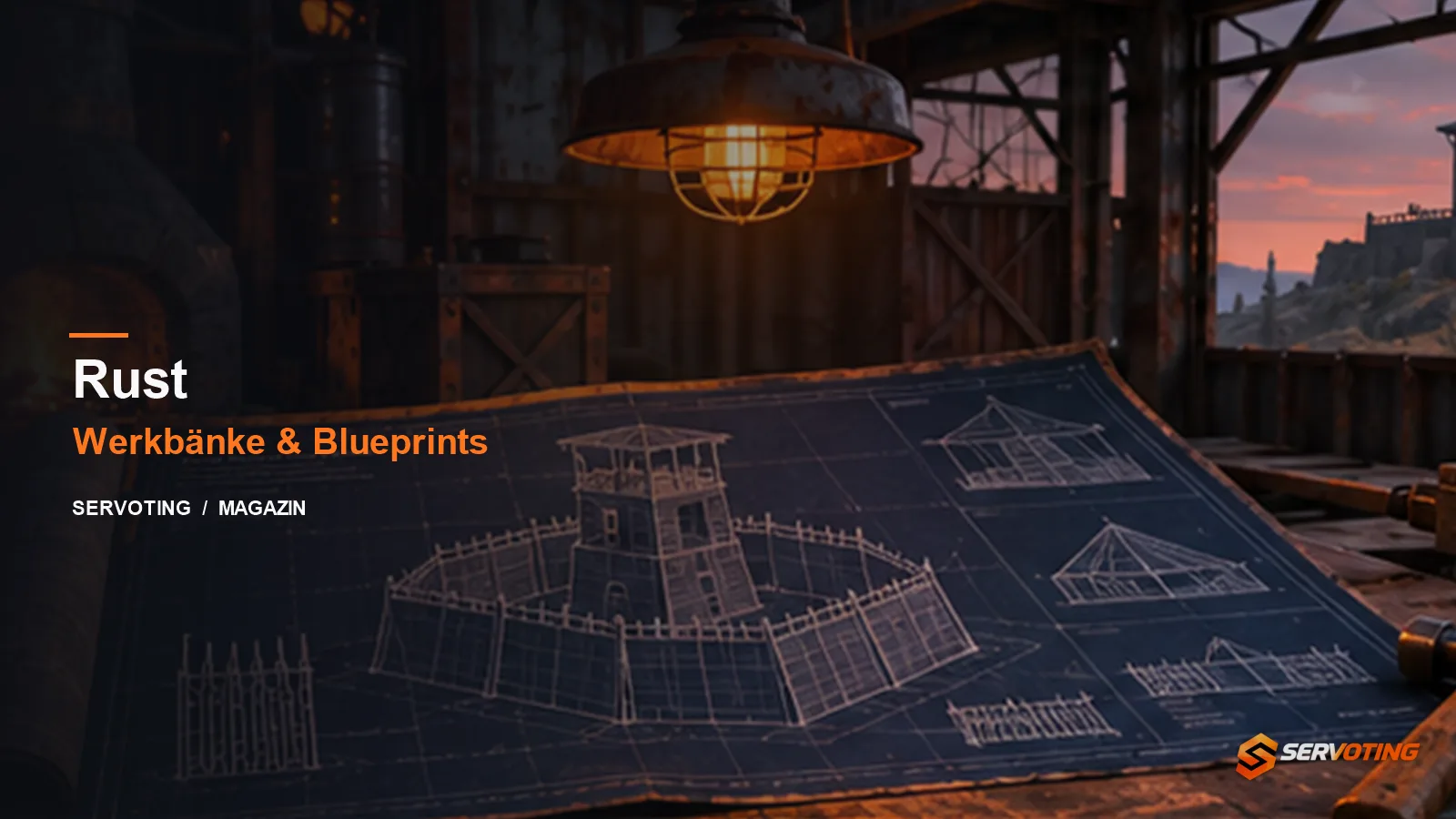
On 5 November 2026, Facepunch released the PC update ‘Printed and Polished’. For a fresh wipe, the main change is to the system: blueprint fragments are no longer required to build a workbench. In the tech tree, you’ll need fragments, pages or books, depending on the level. Scrap continues to play a role at the research table.
Which path should you take to unlock features?
| Goal | What to check |
|---|---|
| Build a workbench | The currently displayed construction cost of the desired workbench. |
| Unlock via the tech tree | Which blueprint resource the level requires and which unlocks must be completed beforehand. |
| Research a found item | Whether research on the table is available and how much Scrap it costs. |
Start as a group with a specific item that you really need on the first evening. If you’ve already found it or can trade for it, check the research table first. If you need multiple unlocks at the same level, plan your route through the Tech Tree. You should cross-check old progress guides against the current in-game information.
Compare community servers before the wipe
Check the wipe date, team limit and loot rates. Ask whether the server operator resets maps and blueprints together or separately. Additional rules may apply on modified servers. If you want to familiarise yourself with the new standard mechanics, you should review the server’s documented changes in advance.
A plan for your first evening together
The following itinerary is an editorial suggestion for a small group. Before you start, write down three objectives: a safe shelter, a reliable supply of resources, and an item you’d like to craft later. Appoint one person to keep track of items found and missing unlocks. This way, not everyone will be collecting for a different objective at the same time.
Once you have the desired item, compare the paths to unlocking it shown in the game. Make a note of which resource you’re missing for each path. Only then decide whether you want to continue searching, trading or following the tech tree. This suggestion is not a fixed ranking: a particular route may make sense for your group, even though a faster solo player might decide otherwise.
Plan a brief debriefing after the first round. What held you back? Was the desired item too far removed from your current progress? Did you set aside resources for an unlock that nobody ended up using? Set a specific goal for the next evening and redistribute the tasks. This will help improve your workflow without drawing conclusions about the overall balance of the update based on a single setback.
What administrators should check before changing the rules
If your community uses a modified server, provide a clear document setting out the rules that actually apply. Note which areas correspond to the base game and where expansions come into play. Let an ordinary player try out the described progression path on a test server. An administrator with special privileges is not an equivalent substitute for this.
When reporting a bug, please include the version, the affected item, the expected result and the actual output. If the problem only occurs with a specific plugin, please also note its version. Announce any major changes to the progress before the next wipe and explain whether existing unlocks are affected. This makes it easier to plan for the change and avoids conflicting information being provided by support.
Cover image: SERVOTING illustration.
Sources
More articles
 DayZ Badlands: Finding a Nasdara server for your group
Here’s how to check the map, access information and rules, and plan your first route together in Nasdara.
 Generative AI in Games 2026: What server teams can learn from it
What the 2026 GDC survey reveals about AI, and how server teams review code, patch notes and support drafts before deployment.
 Compare game server hosting, FiveM scripts and MLOs
Specific questions for comparing hosting providers, FiveM scripts and MLOs. Plus guidance for providers wishing to showcase their services.
Comments 0
No comments yet.
SERVOTING community
Join the conversation?
With a free account you read all comments, discuss, like and rate articles. Sign in with Discord, Steam or Twitch works too.
Already a member? Log in