

DayZ Badlands: Finding a Nasdara server for your group
Here’s how to check the map, access information and rules, and plan your first route together in Nasdara.
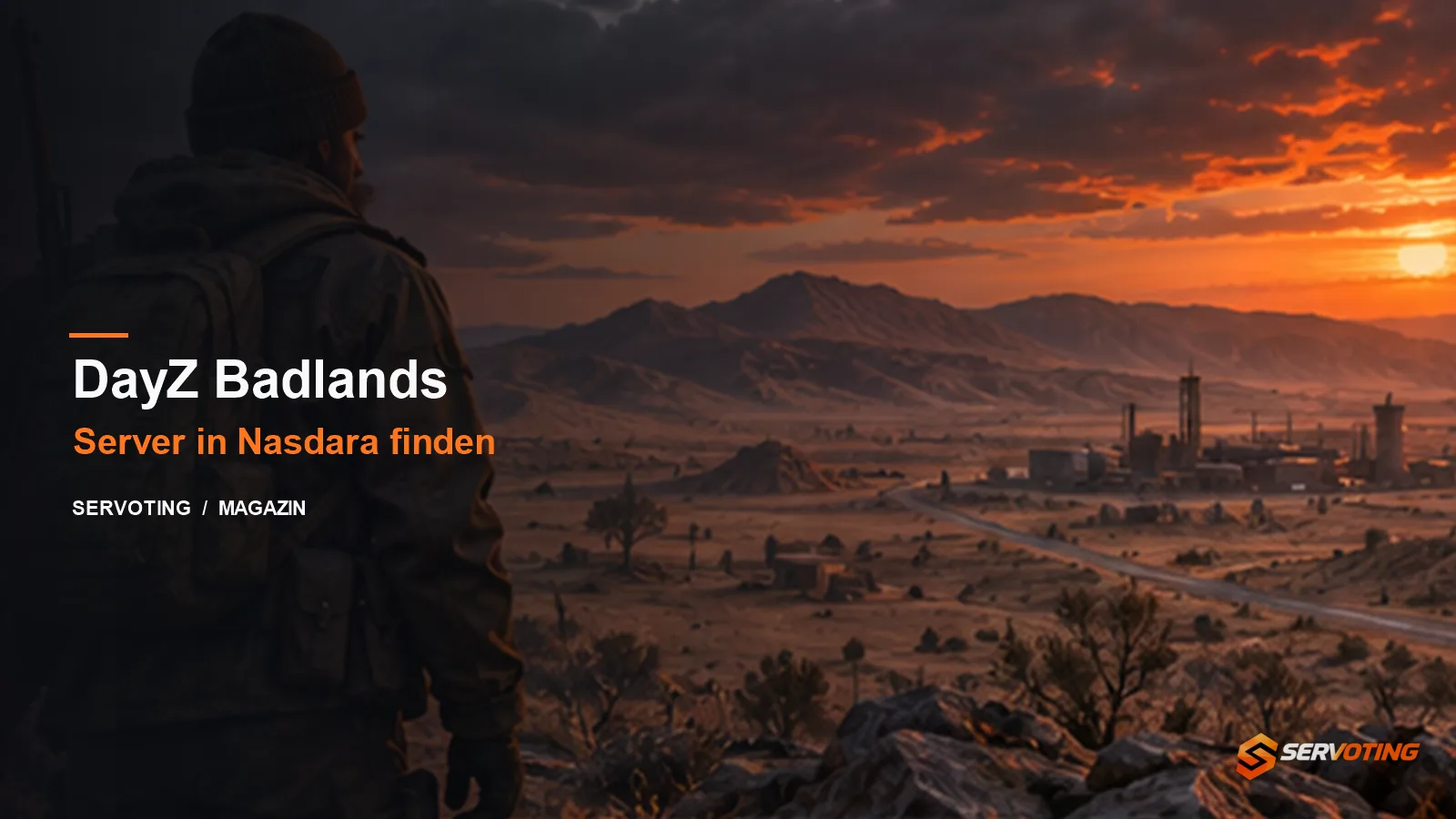
DayZ Badlands was released on 15 October 2026 for Steam, Xbox and PlayStation. The expansion takes players to Nasdara, a 267-square-kilometre map featuring desert plains, mountains and industrial sites. On your first exploration, taking a detour to a known water source may be more sensible than heading straight for the nearest building.
What’s included in Badlands?
Nasdara is part of the expansion. Update 1.30, released at the same time, also introduced changes to the base game, including motorbikes and revamped visuals for selected objects. Check in advance who owns Badlands and which map the selected server is actually running. Your progress will be determined by the wipe schedule of the specific community server.
Four steps to joining the server
- Decide which platform the group is playing on and clarify the exact process for joining.
- Confirm the map, required expansion, password or allowlist, and, if applicable, the mod list.
- Read the rules on combat zones, raids and moderation. An RP server and a server with free PvP can make for very different evenings.
- Test your connection and wait times at the planned playtime before committing to a longer session.
Planning the first route
Choose a main meeting point and an alternative meeting point. Set yourself just one destination for the first leg of the journey and decide in advance when you’ll turn back. Bohemia mentions water for drinking, cooling off and rinsing sand out of your eyes. The weather is therefore part of the planning. Set a short route that you can follow even if visibility deteriorates.
Testing a restart after an update
The Steam patch notes from 3 November document, amongst other things, fixes to doors and vehicles following a server restart, as well as to the ‘disableBaseDamage’ option. If this affects your community, test these scenarios after a restart using your own configuration. On modded servers, also check whether the intended mod pack loads and whether players can join using it.
For players, the most meaningful test remains a visit to the selected server during their own playtime. The total number of people playing DayZ says little about a single Nasdara server.
Practical example: Three friends with different expectations
Our suggestion for choosing a server: Before you start searching, each person should name one thing they absolutely cannot do without. One person wants to explore freely, another is looking for regular encounters, and the third doesn’t want lengthy application processes. Compare the candidate servers based on these requirements. A server that clearly fails to meet even one of these criteria should not be added to your joint list simply because it has a high player count.
Keep your plans manageable for your first visit. If you’re just testing the waters, there’s no need to establish a permanent base just yet. Instead, check whether everyone can find the same server, whether the required content is available, and whether you understand the communication rules. Before you set off, agree on a meeting point that everyone can describe with certainty. Also clarify what you’ll do if you get separated: wait, go back, or try again together.
At the end of the evening, assess the connection, the playing style and the tone of conversation separately. A technical issue with one person does not automatically mean that the server is unsuitable for everyone. An inappropriate rule, on the other hand, may be enough to lead you to choose a different candidate in the long run. Make a note of your observations, including the date, and avoid making sweeping judgements based on a single encounter. This will give you specific selection criteria for your next search, rather than just relying on a gut feeling.
Cover image: SERVOTING illustration.
Sources
More articles
 Rust Update: What’s changing with workbenches and blueprints
Here’s how the new blueprints and the changes to the tech tree will affect your next Rust wipe. ★ 1,0♥ 1
 Generative AI in Games 2026: What server teams can learn from it
What the 2026 GDC survey reveals about AI, and how server teams review code, patch notes and support drafts before deployment.
 Compare game server hosting, FiveM scripts and MLOs
Specific questions for comparing hosting providers, FiveM scripts and MLOs. Plus guidance for providers wishing to showcase their services.
Comments 0
No comments yet.
SERVOTING community
Join the conversation?
With a free account you read all comments, discuss, like and rate articles. Sign in with Discord, Steam or Twitch works too.
Already a member? Log in